Signature feature
Point the camera at it. Get the part.
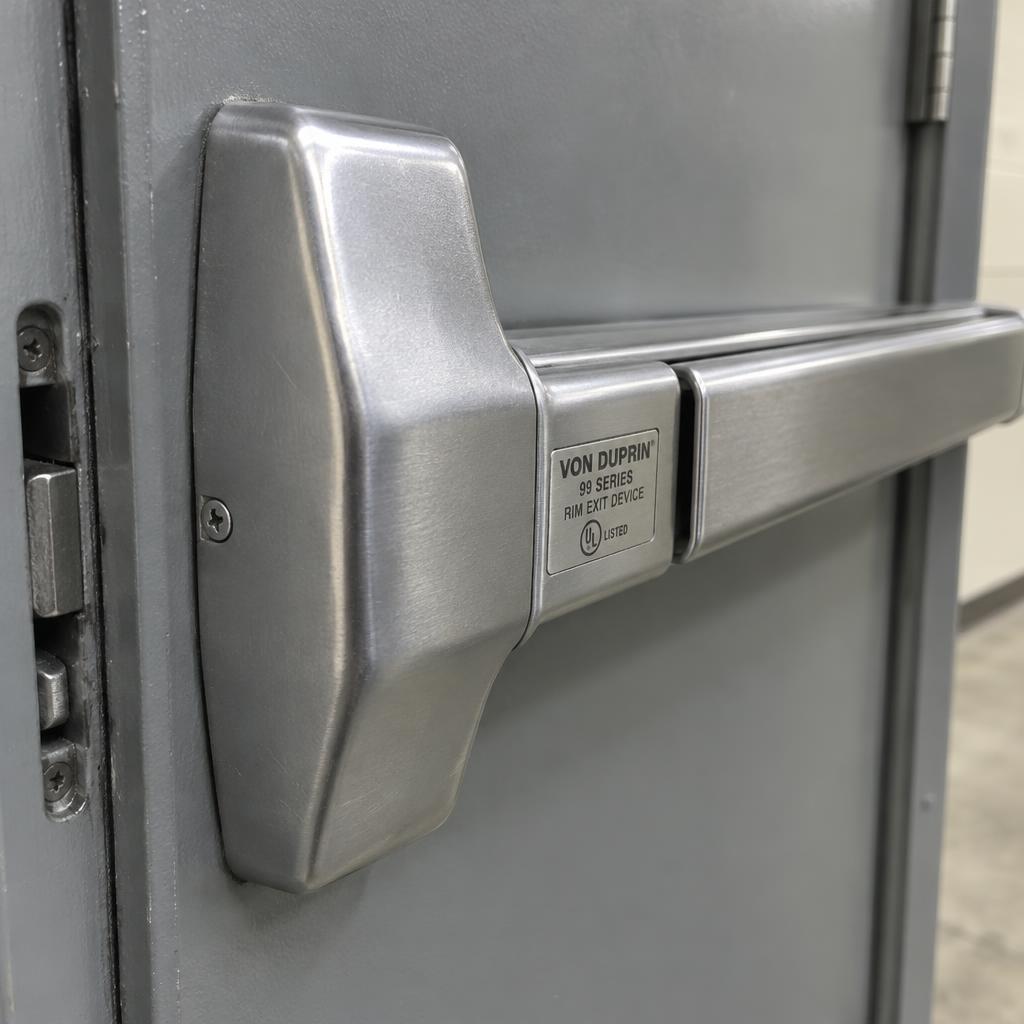
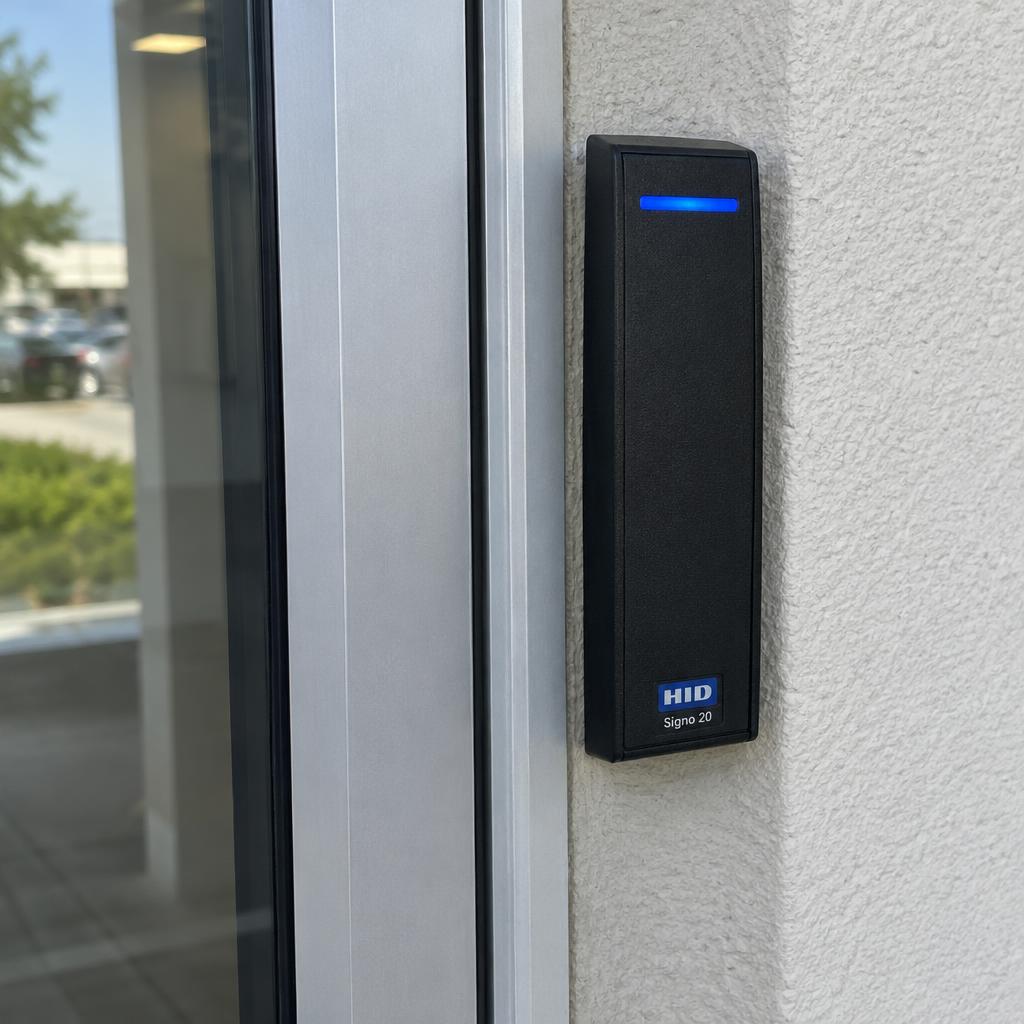
Photograph a lock body, an exit device, a reader or a box label. Rundown names the manufacturer, model and finish, matches it to your price book with your cost and lead time, and adds it to the estimate in one tap.
Included on Pro and Business. Uses the plan's AI budget.
Seconds
per part, instead of an evening with catalogs
Your cost
from your price book and vendor links
Any phone
or a photo dropped on the desktop
How it works
Four steps. The first one is a photo.
- 1
Shoot
The stamped label, the end cap, the reader face or the box. Good light, one item per photo. Add a hint if you know the brand.
- 2
Identify
Manufacturer, product line, model, finish code and device kind, with a confidence level, the text it could read, and alternates when it is unsure.
- 3
Match
The result is matched to your price book: unit price, your cost, vendor, part number and lead time. New parts can be saved as items.
- 4
Add
Into the estimate under the right opening, or onto the opening as a device record. The photo is attached either way.
What you get
Built in, not bolted on.
Hardware ID shares the same openings, estimates and price book as the rest of Rundown, so nothing is retyped.
- 01
Finish codes decoded
626, 630, 613, 605 and the rest come back as a code and a name, so the line reads the way the hardware schedule does.
- 02
Alternates when unsure
If the model is ambiguous you get up to three candidates. Pick one and the price book match follows.
- 03
Often quoted with
A rim cylinder for the exit device, a power supply for the strike. Companion parts are suggested, never added without you.
- 04
Save to price book
A part you have never quoted becomes an item in two fields. Vendor pricing can be refreshed afterwards like any other line.
- 05
Devices on openings
On a service call, identify what is already on the door and record it as a device with make and model.
- 06
Audit trail
Every identification logs the model, tokens and whether you accepted, edited or rejected it.
On the survey
Walk-through to estimate in one visit.
Twelve doors, forty photos, and the estimate is drafted before you get back to the truck. Each part lands in the right opening group with your cost and lead time already filled in.
- Group and opening pickers in the same dialog
- Visible text is shown as chips so you can verify the read
- Works on cut sheets and box labels, not only installed hardware
Trust
Confidence shown, nothing priced without you.
An identification is a suggestion with a confidence meter, not a decision. Prices come from your own price book, and the line is editable like any other.
- High, medium and low confidence with the reasoning in one sentence
- Only the fields needed for the task are sent to the model
- Counts against the plan's monthly AI budget
Works with
The other signature features
Questions
How accurate is it?
Clear photos of stamped labels and well-known product lines identify reliably. Generic or worn hardware is less certain, which is why the confidence meter and alternates exist. Treat it as a fast first draft and check the model number before you send.
What photos work best?
Fill the frame with the label or the distinctive part, keep it in focus, and avoid glare on polished finishes. One item per photo.
Does Rundown keep the photo?
Only if you add the part to an estimate or an opening, where the photo is attached as evidence. If you cancel, the upload is deleted.
Does it search my vendors?
It matches your price book and the vendor links on it. For a part you have never bought, save it to the price book and run a vendor price refresh to pull live pricing from ADI, Wesco, Banner or IML.